Organize
Split PDF
One big PDF in, the right files out.
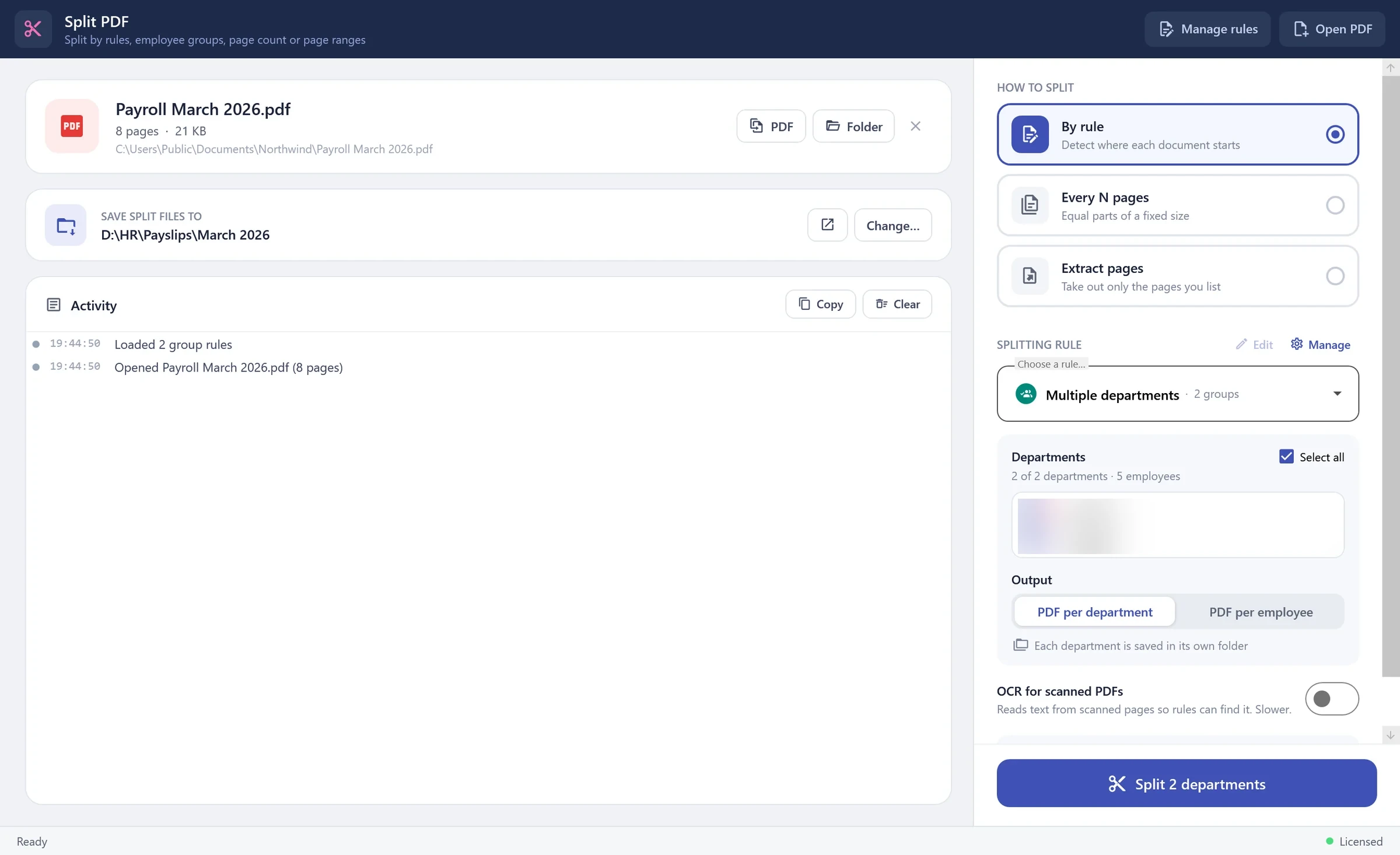
Split by rules that find where each document starts, by page count or by page ranges. Group rules pull every employee of a department out of a payroll run in one click — each department in its own folder.
Split PDF — PDF Toolkit
01
Rules that read the page
Detect a new document by an ID, a keyword or a pattern, and name every file from what's written on it.
02
Department groups
Save a department's employees once. Every month, split the whole payroll by department — or one PDF per employee.
03
Whole folders at once
Point it at a folder and every PDF inside is split with the same settings.
04
Scanned documents
Optional OCR reads text from scanned pages so rules still find it.
How it works
- 1
Open a PDF (or a folder)
- 2
Pick a rule, a group, or 'every N pages'
- 3
Press Split — files land in your folder