Sign & mark
Sign PDF
Your real signature, cleanly placed.
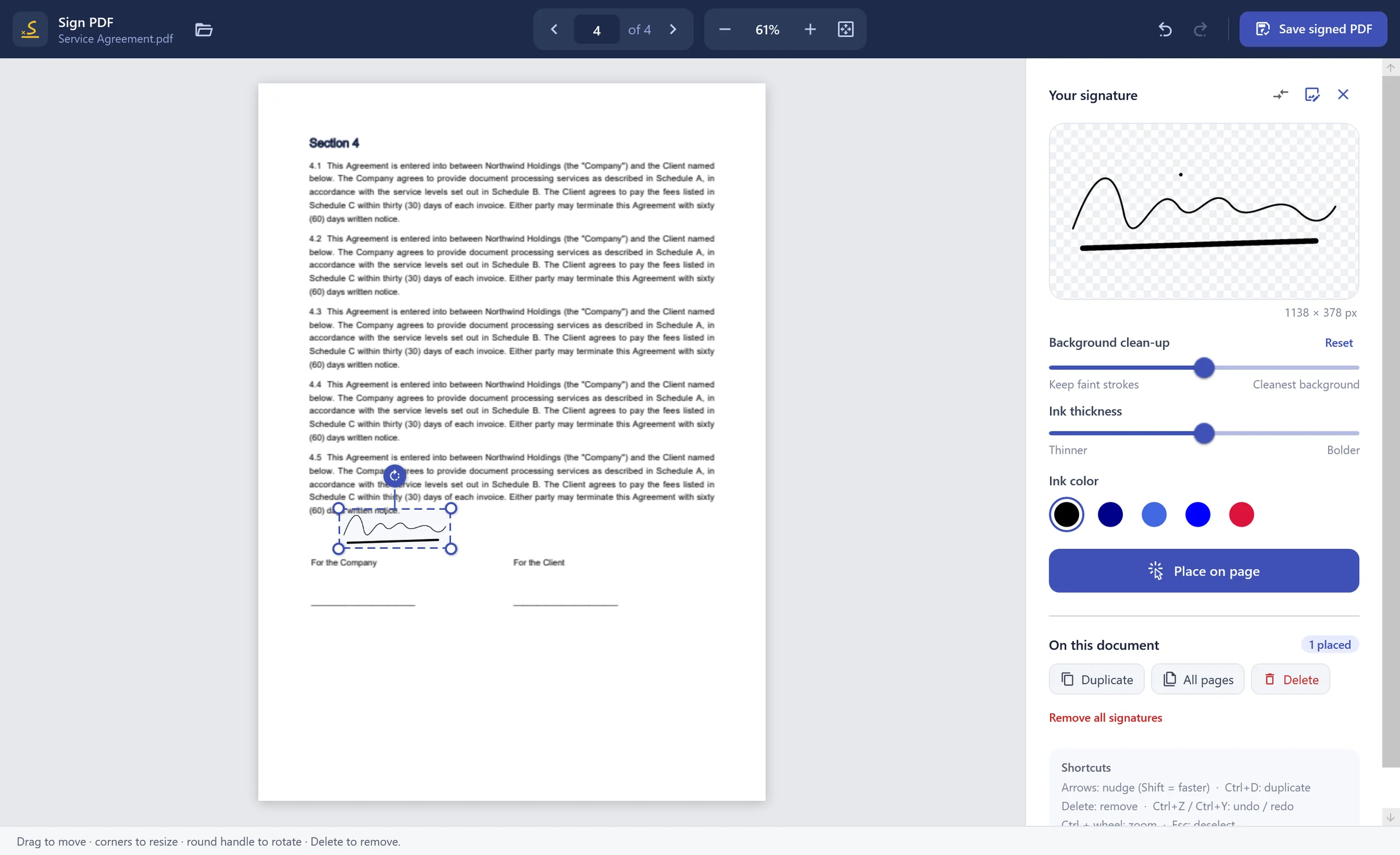
Photograph or scan your signature; the background is removed precisely and the ink keeps its real shape. Place it, resize it, rotate it, add it to every page — and save a properly signed PDF.
Sign PDF — PDF Toolkit
01
Background removal
From a phone photo to a clean transparent signature.
02
Never stretched
Your signature keeps its true proportions at any size.
03
Ink thickness & colour
Fine-tune the stroke and choose black, blue or red ink.
04
All pages at once
Initial every page in one step — with full undo.
How it works
- 1
Open a PDF
- 2
Add your signature image
- 3
Place it and save the signed PDF