Organize
PDF Organizer
Merge, reorder, rotate — see every page.
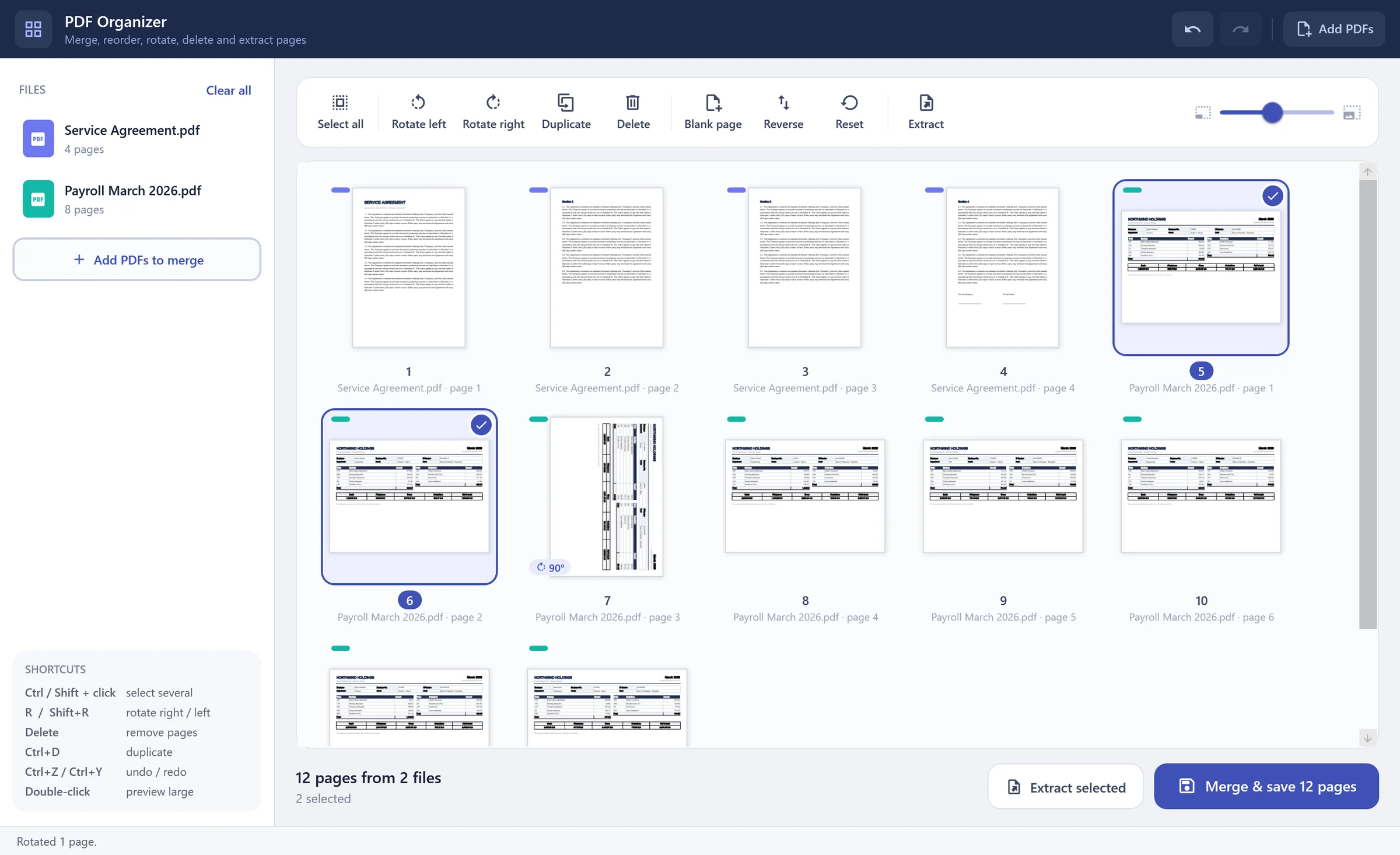
Drop in one or many PDFs and work with real page thumbnails: drag pages into order, rotate, duplicate, delete, add blank pages, extract a selection — then save or merge into one file.
PDF Organizer — PDF Toolkit
01
Drag & drop pages
Move one page or a whole selection; a line shows exactly where it will land.
02
Merge many files
Each source file gets its own colour so you always know where a page came from.
03
Rotate the right way
Rotation adds to a page's own orientation — no more pages that flip back.
04
Undo everything
Ctrl+Z / Ctrl+Y for every step, plus a sharp large preview with zoom.
How it works
- 1
Add PDFs
- 2
Arrange, rotate, delete or extract pages
- 3
Save as a new file or into the original